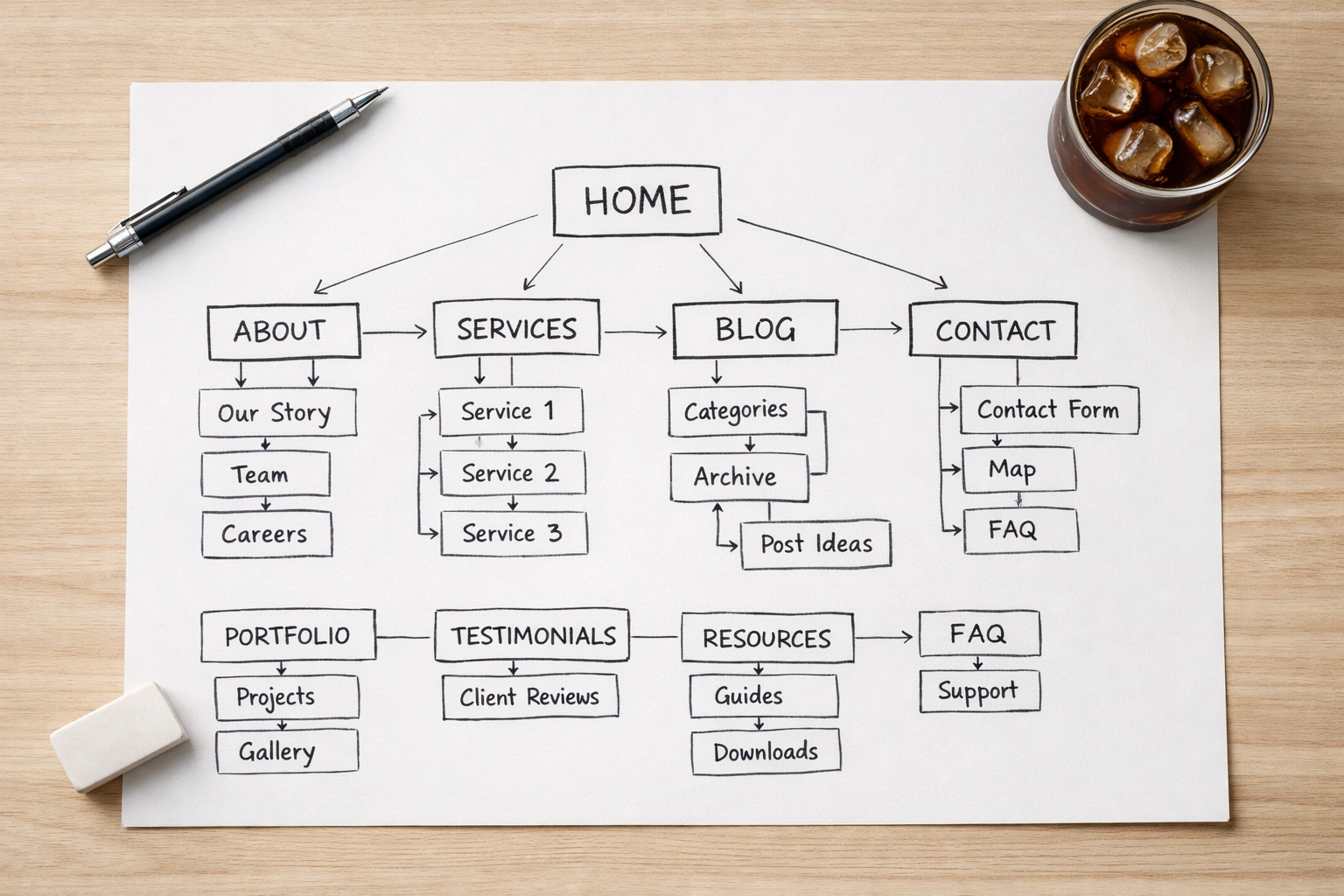
Does Your Website Feel like a Maze? Google Thinks So Too
You click through to a website looking for something specific. The homepage looks polished, but within seconds, you’re lost. Where’s the information you need? You click around, check a few pages, then give up and hit the back button.
That kind of friction doesn’t just frustrate visitors. It drags down your search performance as well. There are only 33% of websites that pass Core Web Vitals, and just 5.7% of new pages crack the top 10 in search results within their first year. Typically, poor site structure is often what’s really behind those numbers.
When visitors can’t find what they need, search engines struggle with the same problem. Your internal links tell Google which pages are important, and messy navigation confuses both users and crawlers. This article breaks down how site architecture affects your rankings and what you can actually do about it.
What Makes a Website Feel Like a Maze

Website structure SEO is all about organizing your pages so both visitors and search engines can navigate them without getting lost.
The way you group content and connect pages determines whether people find what they need or leave in frustration. You see the impact when visitors click around your homepage, trying to figure out where to go, then give up and leave.
Google’s crawlers hit the same roadblocks when your internal links create confusing paths between pages. A plumbing site, for example, might bury “Emergency Repairs” three clicks deep under vague category names. Both users and search engines end up hunting for basic information.
Clear navigation shows how your content fits together and where to go next. With a clear structure, people move through pages naturally. But without it, they leave for a competitor with a cleaner setup, and those quick exits show up in your performance metrics.
How Search Engines Read Your Site Architecture
Google’s crawlers have a limited time on your site. They follow internal links to figure out what’s important and how pages connect. When that structure gets messy, it creates bottlenecks that affect both users and search engines.
These issues usually fall into three main categories.
Crawlers Can’t Reach Buried Content
Google’s bot lands on your homepage and follows links to discover pages. If the content is buried five or six clicks deep, the crawler will run out of time before it gets there. That “services” page you spent hours perfecting sits unindexed because Google couldn’t find it through your maze of nested menus.
Isolated Pages Lose Ranking Power
Even if pages aren’t deeply buried, they can still be overlooked. Internal links help distribute ranking strength across your site. When a page has no links pointing to it (called an orphan page), it sits alone with no way to share or receive that value. That means your best content might be invisible to Google simply because nothing links to it.
Competing Pages Split Your Rankings
When three different pages target “plumbing services Brisbane,” Google picks one to rank, and it’s rarely the one you’d choose. Your site structure should show clear priority (this is the main service page, these are supporting blog posts). Without that hierarchy, your pages compete against each other instead of working together.
The result? Each page ranks lower than if you’d consolidated the content or structured it properly.
Three Ways Bad Structure Hurts User Engagement

Bad site structure frustrates visitors and makes information harder to find, which often sends them straight to competitors. Here’s how it shows up in real-world metrics:
- High Bounce Rates: Visitors expect to scan your menu and immediately find what they need (“Emergency Repairs” or “Book Consultation”). If they’re decoding vague labels like “Solutions” or “Our Expertise,” they’re gone. As a result, your bounce rate climbs, and search engines notice.
- Confused Navigation Paths: Poor internal linking bounces users between unrelated pages when they expected a clear path. They hit back, try another search result, and your page gets marked as unhelpful.
- Conversion Friction: Every extra click between landing and converting can cost you customers. For example, if visitors have to go from the homepage to a category page, then a subcategory, and finally to the contact form, most won’t complete the process. Each unnecessary step chips away at your conversion rate.
Fix your structure, or watch visitors choose competitors with clearer paths to answers.
Run a Site Audit to Find Your Biggest Problems
You don’t need to spend thousands on fancy audit tools to find what’s breaking your site structure. Of course, a professional site audit catches more technical issues, but you can spot the obvious problems yourself with basic checks. To get started, run through these tests:
- Count clicks from your homepage to your most important pages (product pages, service pages, high-traffic blog posts)
- Search “site:yourdomain.com” in Google and look for pages with zero internal links pointing to them
- Check which URLs rank for your main keywords and see if multiple pages rank for the same terms
The click count test usually reveals your worst offenders, pages sitting too many clicks deep that should be much closer to your homepage.
Your Simple Checklist for Good Site Architecture
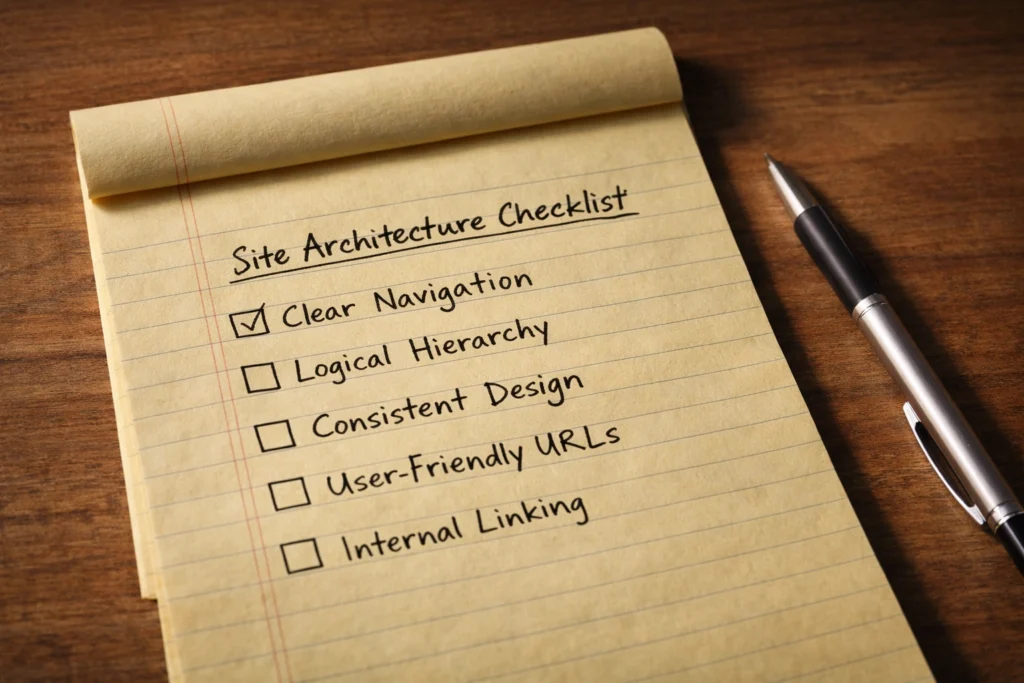
Good site architecture is mostly about grouping related content and linking pages in ways that feel obvious. If you’re not sure where to begin, try these three checks:
- Clear Categories: The way you group and label content should match how people actually search. “Plumbing Services” works because it’s immediately clear. “What We Do” forces visitors to guess. That’s why your blog posts, products, and services should sit under labels people recognize at a glance.
- Strategic Internal Links: Your homepage and high-traffic pages should link directly to important pages you want ranking. So use descriptive anchor text: “emergency plumber Brisbane” tells Google and visitors what they’ll find. Generic links like “learn more” or “services” waste the opportunity.
- Three-Click Maximum: Every page should be reachable in three clicks from your homepage. Four is pushing it. Five means Google might not crawl it regularly, and visitors definitely won’t find it. If content sits buried five levels deep, move it closer to the surface.
Go through this list on your site today. Most structure problems come from breaking one of these three rules.
Start With These Quick Wins
Trim your navigation first. If your homepage links to 15-20 pages, most don’t belong in the main menu. Cut it down to your five or six most important pages and organize everything else under those main categories.
Next, use strategic internal links to strengthen new content. Check Google Search Console for your top-performing pages, then add links from those to newer content you want ranking. High-performing pages already have Google’s attention, so use them to push ranking power where you need it.
Finally, audit quarterly. New content, product launches, and seasonal changes shift priorities. Set a calendar reminder to review your structure every three months and update internal links to match what’s relevant now.
If your site structure is already a mess, don’t wait three months to fix it. Get in touch to sort it out before it costs you more traffic.